
SOLIDWORKS 3D CAD, Simulation & Connected Engineering
โซลูชันสำหรับงานออกแบบและวิศวกรรม ตั้งแต่ 3D CAD, Drawing และ Design Validation ไปจนถึง Simulation, Collaboration และ Engineering Data เพื่อช่วยให้ทีมพัฒนาผลิตภัณฑ์ได้อย่างเป็นระบบ
จาก Design ไปสู่ Validation และ Manufacturing
เลือก SOLIDWORKS จาก Workflow ที่ทีมต้องทำจริง แล้วต่อยอดไปยัง Simulation, Collaboration และการจัดการข้อมูล Engineering
SOLIDWORKS คืออะไร?
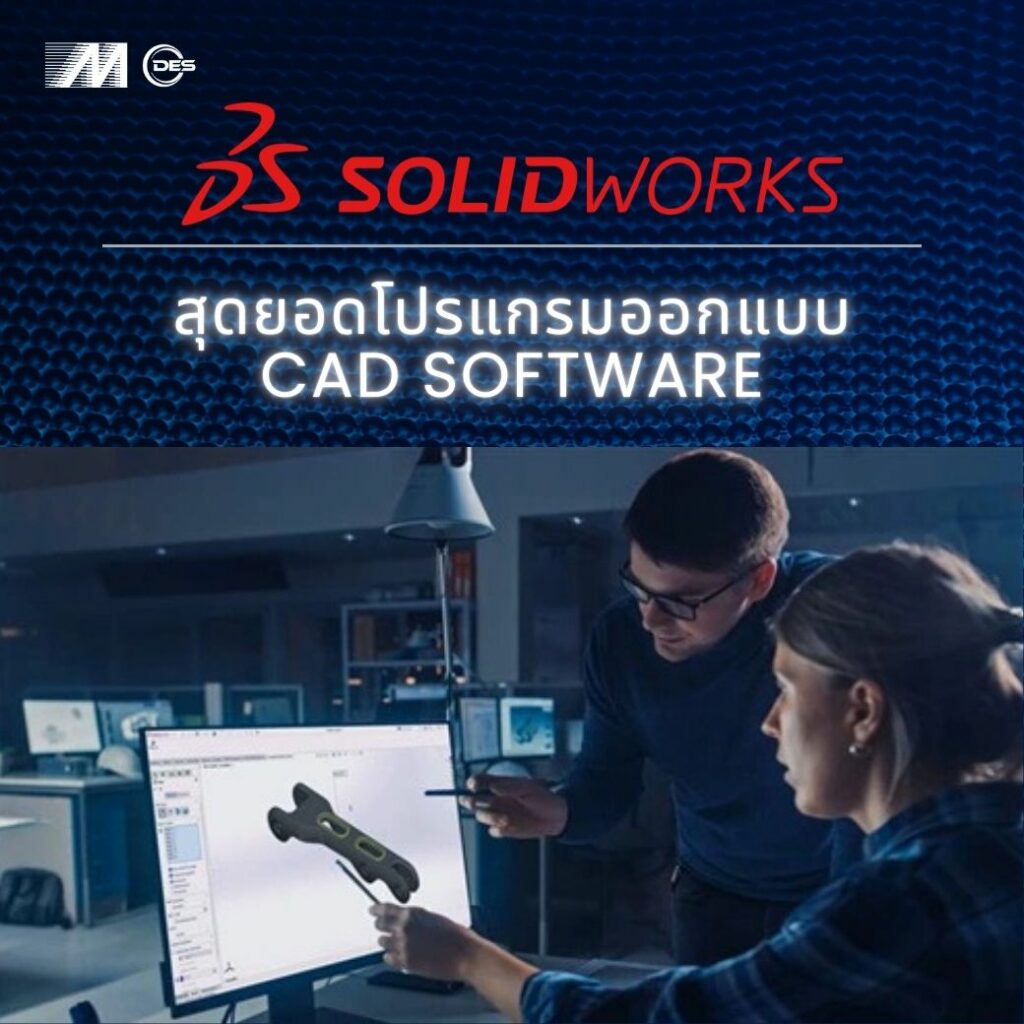
SOLIDWORKS คือซอฟต์แวร์สำหรับ 3D CAD และ Engineering Design ที่ช่วยให้ทีมวิศวกรรมสามารถออกแบบชิ้นส่วน ประกอบเครื่องจักร และสร้าง Drawing พร้อมเชื่อมต่อ Workflow ไปยัง Simulation, Collaboration และ Manufacturing ได้ในกระบวนการเดียวกัน
3D Design
สร้าง 3D Part และ Assembly เพื่อพัฒนาแนวคิด ตรวจสอบรูปทรง และออกแบบผลิตภัณฑ์หรือเครื่องจักรก่อนผลิตจริง
Drawing & Documentation
สร้าง 2D Drawing, Dimensions, BOM และข้อมูลทางวิศวกรรมจาก 3D Model เพื่อส่งต่อเข้าสู่กระบวนการผลิต
Engineering Validation
เชื่อมต่อการออกแบบไปยัง SOLIDWORKS Simulation เพื่อช่วยประเมิน Design และตรวจสอบแนวทางก่อนสร้าง Prototype
Connected Workflow
เชื่อม Design Data กับ Collaboration และ Data Management เพื่อให้ทีมทำงานร่วมกัน และบริหารข้อมูล Engineering ได้เป็นระบบมากขึ้น
เลือก SOLIDWORKS : Standard, Professional หรือ Premium
เริ่มจาก Workflow และเครื่องมือที่ทีมต้องใช้จริง แล้วค่อยเลือกระดับ SOLIDWORKS License ที่เหมาะกับงาน และรูปแบบการทำงาน
SOLIDWORKS Standard
เหมาะสำหรับทีมที่ต้องการเครื่องมือหลักสำหรับงานออกแบบ 3D, Assembly และ Drawing เพื่อพัฒนางานตั้งแต่ Design ไปจนถึงเตรียมการผลิต
- Part & Assembly Modeling
- 2D Drawings
- Weldments, Molds & Sheet Metal
- Design & Manufacturability Checks
- ECAD–MCAD Collaboration
SOLIDWORKS Professional
เพิ่มเครื่องมือด้าน Productivity, Standardization และ Visualization สำหรับทีมที่ต้องการลดงานซ้ำและเพิ่มประสิทธิภาพการออกแบบ
- ทุกความสามารถหลักของ Standard
- Intelligent CAD Libraries / Fasteners
- Manufacturing Cost Analysis
- CAD Standards & Drawing Checking
- Photorealistic Rendering
SOLIDWORKS Premium
สำหรับงาน Engineering ที่ต้องการความสามารถขั้นสูง ทั้ง Routing, Simulation และ Motion Analysis เพิ่มจาก Professional
- ทุกความสามารถหลักของ Professional
- Electrical Harness, Piping & Tubing
- Duct Design & Surface Flattening
- Linear Static Analysis
- Time-Based Motion Analysis
เลือก SOLIDWORKS Design ให้เหมาะกับรูปแบบการทำงานของทีม
เปรียบเทียบแนวทางการใช้งานระหว่าง Desktop with Cloud Services และ Connected Platform เพื่อเลือก Workflow ที่เหมาะกับการออกแบบ การทำงานร่วมกัน และการบริหาร Engineering Data ขององค์กร
SOLIDWORKS Design with Cloud Services
เหมาะสำหรับทีมที่ต้องการใช้งาน SOLIDWORKS บน Desktop พร้อมเชื่อมการแชร์ข้อมูล การทำงานร่วมกัน และการจัดการไฟล์ผ่าน Cloud Services
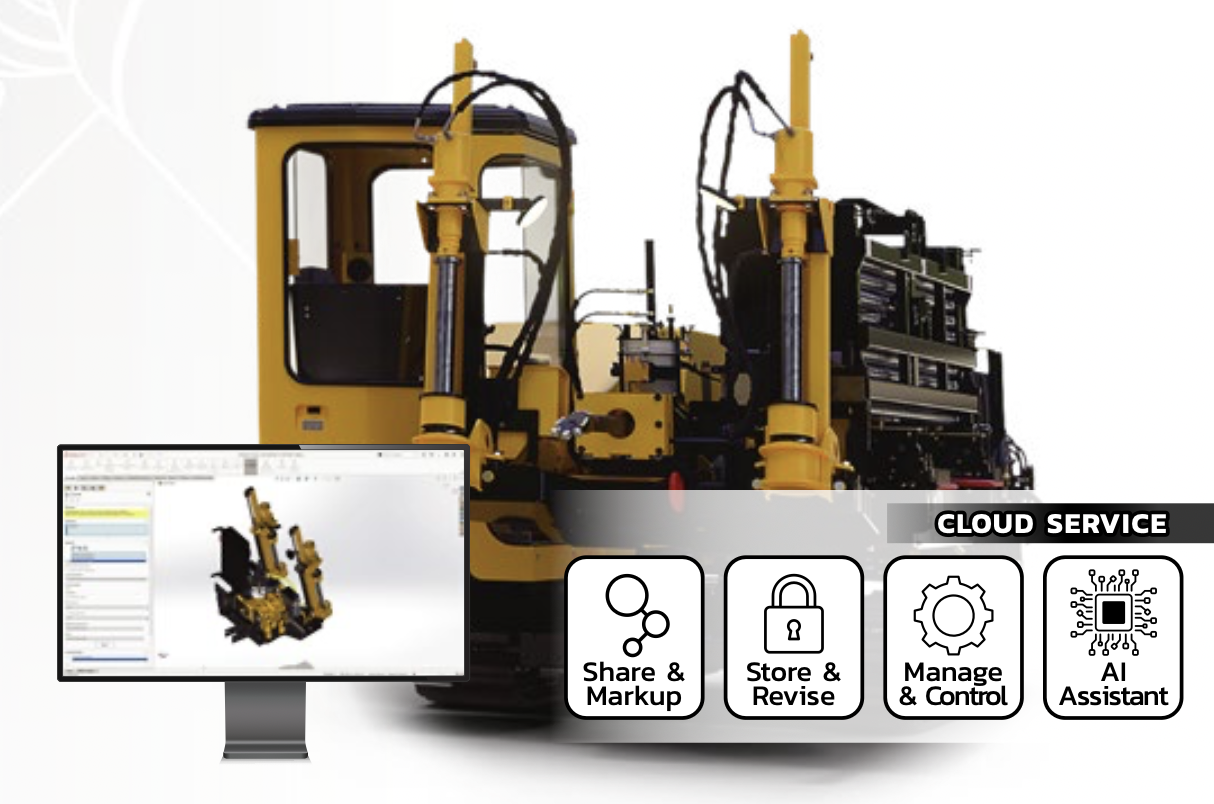
- Share & Markup
- Store & Revise
- Manage & Control
- AI-assisted Workflow
SOLIDWORKS Design Offer
เหมาะสำหรับองค์กรที่ต้องการ Connected Engineering Workflow การจัดการผู้ใช้งานและข้อมูลบน Platform พร้อม Collaboration และ Cloud-based Data Management
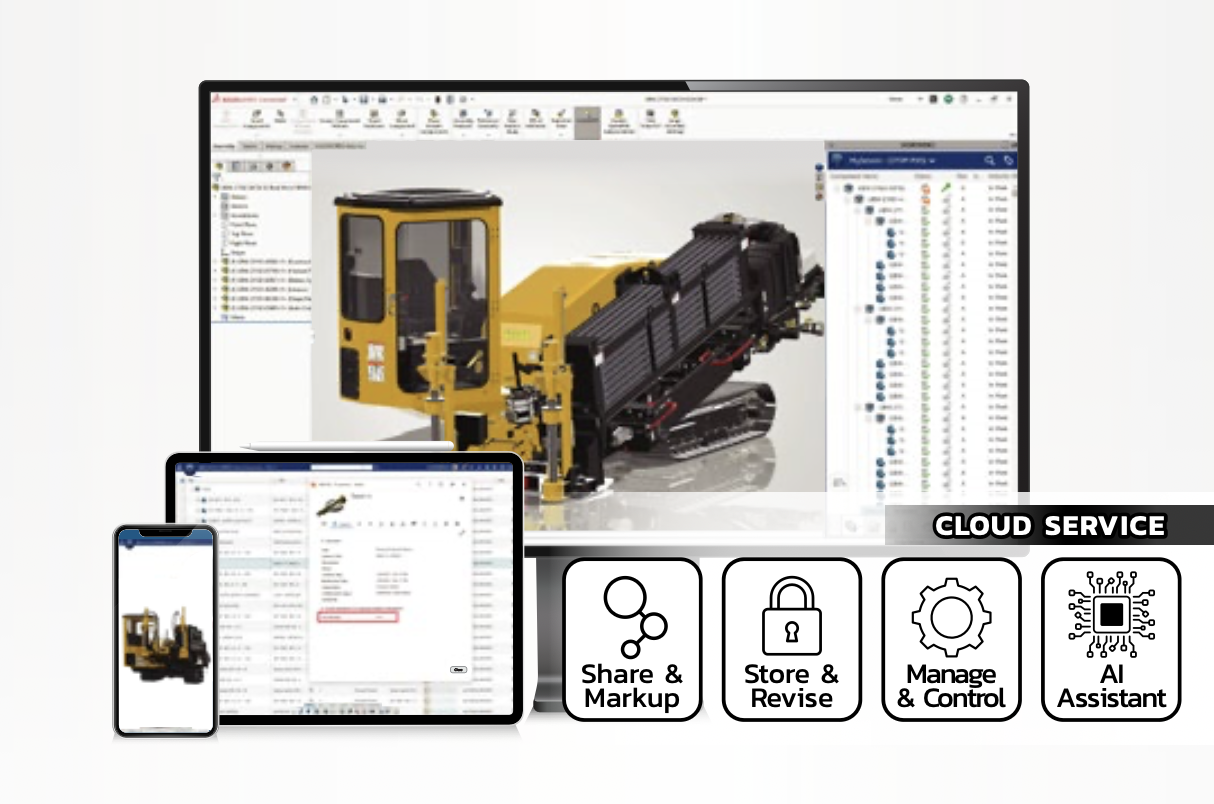
- Share & Markup
- Store & Revise
- Manage & Control
- Connected Collaboration
ถ้าทีมใช้ Desktop Workflow เป็นหลัก และต้องการเสริมการแชร์/จัดการข้อมูลบน Cloud ให้พิจารณา Desktop with Cloud Services
ถ้าทีมต้องการ Connected Engineering Environment และบริหาร User, Data และ Collaboration บน Platform ให้พิจารณา SOLIDWORKS Design Offer
What's New in SOLIDWORKS 2026
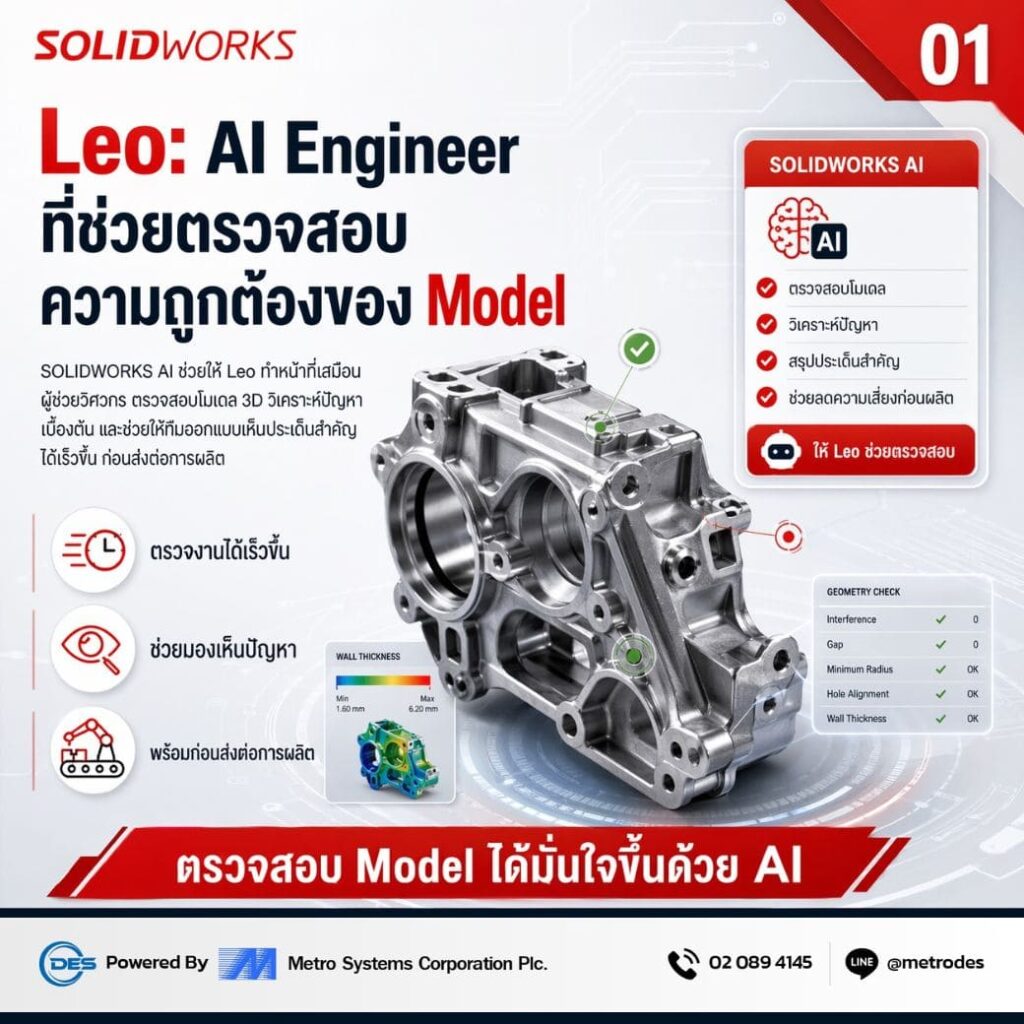
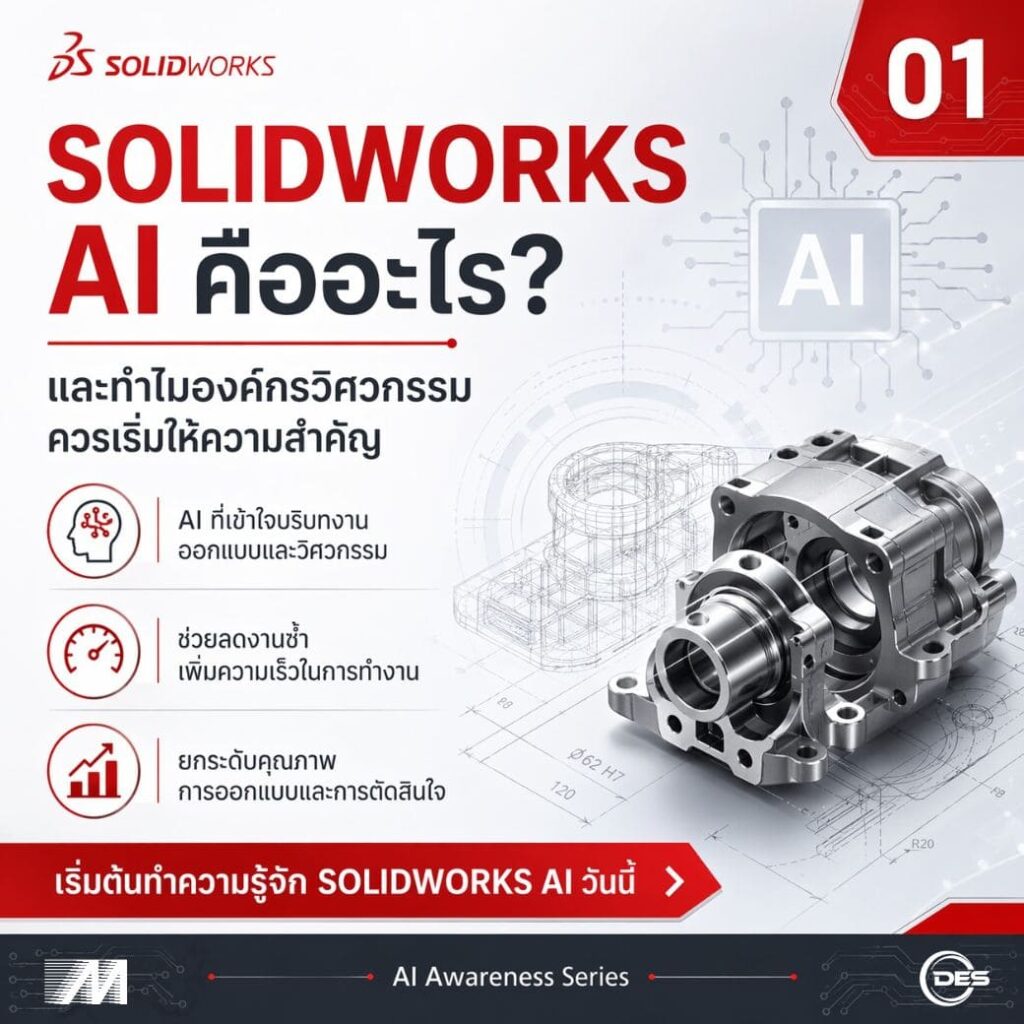
SOLIDWORKS 2026 เพิ่มความสามารถด้าน AI, Design Productivity และ Collaboration เพื่อช่วยให้ทีมวิศวกรรมออกแบบ ตรวจสอบ และทำงานร่วมกันได้เร็วขึ้น พร้อมเชื่อม Design Data เข้ากับ Engineering Workflow ได้เป็นระบบมากขึ้น
SOLIDWORKS Design เหมาะกับใคร?
SOLIDWORKS Design เหมาะสำหรับทีมออกแบบ วิศวกรรม และองค์กร ที่ต้องการพัฒนาผลิตภัณฑ์จากแนวคิดไปสู่การผลิต ด้วย Workflow ที่เชื่อมต่อ 3D CAD, Drawing, Simulation และ Collaboration
วิศวกรออกแบบเครื่องจักรและชิ้นส่วน
เหมาะสำหรับงานออกแบบ Part, Assembly, Machine Design และอุปกรณ์อุตสาหกรรมที่ต้องการแก้ไขแบบและจัดการรายละเอียดได้อย่างเป็นระบบ
ผู้ผลิตยานยนต์และชิ้นส่วน
รองรับ Product Development, Component Design, Fixture และ Engineering Validation ตั้งแต่แนวคิดไปจนถึงการเตรียมข้อมูลสำหรับการผลิต
โรงงานและผู้ประกอบการอุตสาหกรรม
เหมาะกับองค์กรที่ต้องการพัฒนาสินค้าใหม่ ปรับปรุง Design Workflow และจัดการข้อมูลการออกแบบ ให้เชื่อมต่อกับกระบวนการผลิตได้ดีขึ้น
ทีมพัฒนาผลิตภัณฑ์และ R&D
ช่วยให้ทีมสร้างแนวคิด พัฒนา Digital Model ตรวจสอบ Design และทำงานร่วมกับทีมที่เกี่ยวข้อง ได้ชัดเจนมากขึ้นตลอด Product Development Workflow
Product, Mold, Sheet Metal & Fabrication
เหมาะสำหรับงาน Product Design, Mold, Sheet Metal, Weldments และ Fabrication ที่ต้องคำนึงถึงทั้งรูปทรงและความสามารถในการผลิตจริง
สถาบันการศึกษาและศูนย์ฝึกอบรม
เหมาะสำหรับมหาวิทยาลัย วิทยาลัย และศูนย์ฝึกอบรม ที่ต้องการใช้ Engineering CAD Workflow เพื่อเตรียมทักษะให้ผู้เรียนเชื่อมต่อกับงานอุตสาหกรรมจริง
SOLIDWORKS Design Product Matrix
เปรียบเทียบความสามารถของ Standard, Professional, Premium และ Ultimate เพื่อช่วยเลือกแพ็กเกจให้เหมาะกับ Design Workflow, Simulation, Manufacturing และ Collaboration ของทีม
| Key Capabilities | Standard | Professional | Premium | Ultimate |
|---|---|---|---|---|
| 3D Design and Modeling | ||||
| Part and Assembly Modeling and 2D Drawings | ● | ● | ● | ● |
| Specialized Design Tools for Weldments, Molds and Sheet Metal | ● | ● | ● | ● |
| Design and Manufacturability Checks | ● | ● | ● | ● |
| ECAD-MCAD Collaboration | ● | ● | ● | ● |
| Intelligent CAD Libraries of Industry-Standard Fasteners | – | ● | ● | ● |
| Manufacturing Cost Analysis | – | ● | ● | ● |
| CAD Standards and Drawings Checking | – | ● | ● | ● |
| Electrical Harness, Piping, Tubing, Duct Design and Surface Flattening | – | – | ● | ● |
| CAD on Cloud | – | – | – | ● |
| AI Capabilities | ||||
| Automatic Drawing Generation | ● | ● | ● | ● |
| AI for 3D Modeling | ● | ● | ● | ● |
| Integrated AI Companion | ● | ● | ● | ● |
| Simulation | ||||
| Linear Static Analysis for Parts and Assemblies | – | – | ● | ● |
| Time-Based Motion Analysis | – | – | ● | ● |
| Cloud Collaboration, Data and Lifecycle Management | ||||
| Real-time Cross-team Collaboration in the Cloud | ● | ● | ● | ● |
| Secure Data Management (Version Management) | ● | ● | ● | ● |
| Manufacturing | ||||
| Additive Manufacturing | ● | ● | ● | ● |
| 3-axis NC Machining and Machine Simulation | ● | ● | ● | ● |
| Sheet Metal Nesting and NC Programming | ● | ● | ● | ● |
| Marketing | ||||
| Augmented Reality and Virtual Reality | ● | ● | ● | ● |
| Photorealistic Rendering | – | ● | ● | ● |
| Training and Support | ||||
| Online Lessons, Local Support, and Vibrant Community | ● | ● | ● | ● |
ไม่แน่ใจว่าควรเลือกแพ็กเกจไหน? ให้ผู้เชี่ยวชาญของเราช่วยแนะนำ SOLIDWORKS ที่เหมาะกับธุรกิจของคุณ
ทำไมองค์กรจึงเลือก Metro Systems สำหรับ SOLIDWORKS
ไม่ใช่แค่เลือก Software ให้เหมาะกับงาน แต่ต้องวางแผน License, Implementation, Training และ Technical Support ให้สอดคล้องกับ Workflow ของทีม เพื่อให้เริ่มใช้งานได้อย่างเป็นระบบ และต่อยอดได้ในระยะยาว
ช่วยเลือกรุ่นและ Solution ให้เหมาะกับงานจริง
วิเคราะห์ลักษณะงาน จำนวนผู้ใช้งาน และ Engineering Workflow เพื่อช่วยเปรียบเทียบ Standard, Professional, Premium รวมถึง Solution ที่เกี่ยวข้องก่อนตัดสินใจลงทุน
ทีม Technical Support ดูแลการใช้งาน
ให้คำปรึกษาด้านการติดตั้ง การใช้งาน และ Technical Issue โดยเชื่อมโยงกับ Workflow ด้าน Design, Simulation และการทำงานในภาคอุตสาหกรรม
Training และการพัฒนาทักษะของทีม
วาง Learning Path ตั้งแต่พื้นฐานไปจนถึง Advanced Workflow เพื่อช่วยให้ผู้ใช้งานเข้าใจเครื่องมือ และนำ SOLIDWORKS ไปใช้กับงานจริงได้มีประสิทธิภาพมากขึ้น
วางการลงทุนให้เหมาะกับการเติบโตขององค์กร
ช่วยลดความเสี่ยงจากการเลือก Package เกินความต้องการ และวางแนวทางต่อยอดจาก 3D CAD ไปยัง Simulation, Collaboration และ Data Management ตามความพร้อมของทีม
SOLIDWORKS Knowledge & Updates

คำถามที่พบบ่อยเกี่ยวกับ SOLIDWORKS
รวมคำตอบเกี่ยวกับ SOLIDWORKS, Package, Simulation, AI, Cloud, Demo, Training และ Technical Support เพื่อช่วยให้ทีมวิศวกรรม และองค์กรประเมิน Solution ได้ง่ายขึ้น
PRODUCT BASICS SOLIDWORKS คืออะไร? +
USE CASES SOLIDWORKS ใช้ทำอะไรได้บ้าง? +
PACKAGES Standard, Professional และ Premium ต่างกันอย่างไร? +
AUDIENCE SOLIDWORKS เหมาะกับใครบ้าง? +
AI & CLOUD SOLIDWORKS รองรับ AI และ Cloud หรือไม่? +
ENGINEERING TOOLS SOLIDWORKS ใช้ร่วมกับ Simulation และ PDM ได้หรือไม่? +
DEMO มีบริการ Demo ก่อนตัดสินใจหรือไม่? +
PRICING & BUYING หากต้องการใบเสนอราคา SOLIDWORKS ต้องทำอย่างไร? +
IMPLEMENTATION มีบริการ Training และ Technical Support หรือไม่? +
DECISION GUIDE ถ้ายังไม่แน่ใจว่าควรเริ่มจาก Package ไหน ควรทำอย่างไร? +
ยังไม่แน่ใจว่า SOLIDWORKS แบบไหนเหมาะกับทีมของคุณ?
ส่ง Requirement หรือนัด Demo เพื่อให้ทีมช่วยประเมิน Package, Workflow และแนวทางการใช้งานที่เหมาะสม